Identity management
Phishing-resistant MFA with a FIDO2 security key
Published 8 min readIn 2022, three Cloudflare employees entered their credentials on a fake sign-in page. The attackers tried using them on the real site. Cloudflare required a physical security key at that point, so the stolen passwords were not enough to get in. [1]
In 30 seconds
- On a copy of the site, the key cannot produce the proof the real service expects.
- Choose a FIDO2 key that fits your devices and have a spare. Apple requires at least two FIDO Certified keys.
- Also check recovery options, approvals granted on the real site and sessions that are already open.
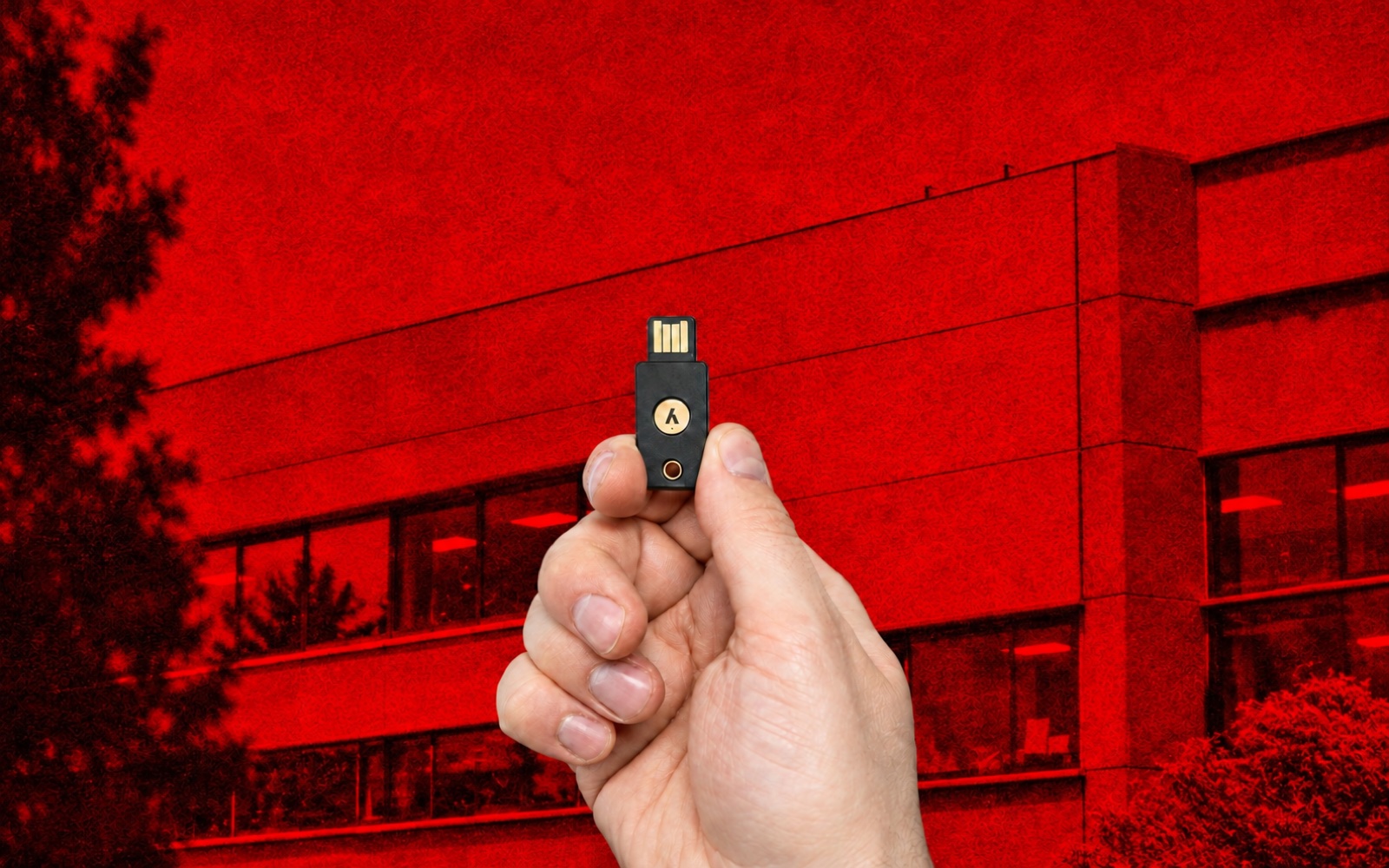
The browser checks the domain before letting the key sign
I set up security key authentication at work and on freelance assignments. It protected organisational Microsoft accounts, Google accounts and Apple Accounts used for iCloud. I used KeePass for the secrets I still needed to store.
A scammer can copy a sign-in screen and capture the password entered there. With FIDO2, the browser checks the domain of the site requesting the signature. However convincing the copy looks, its address prevents the scammer from obtaining a signature valid for the real service.
For technical readers · What the service checks with WebAuthn
The service registers the public key. At sign-in it verifies the authenticator’s signature and checks the challenge, the origin and the relying party identifier (RP ID). The private key stays with the authenticator. [2]
Physical security key or synced passkey? Consider how you will recover access.
A hardware security key can hold a passkey bound to that device. The private key stays on the physical key. To keep access if you lose it, register a second key with the service and store it somewhere else.
A synced passkey offers the same protection against fake domains. iCloud Keychain and Google Password Manager can make it available across devices. Before choosing, check how those devices are protected and how you would recover the account that syncs the passkeys. [3]
KeePass stored the passwords I still needed. The FIDO2 key served a different purpose: it proved to the service that I had the key with me at sign-in.
Yubico or Thetis: choose a key that fits your devices
From Yubico, the Security Key NFC supports USB-A and NFC. The Security Key C NFC supports USB-C and NFC. Both support FIDO2/WebAuthn and FIDO U2F. These models are suitable if you need those protocols. The YubiKey 5 series adds features such as OATH and PIV for other uses. [4]
From Thetis, the PRO FIDO2 combines USB-A, USB-C and NFC. It is worth considering if you switch between computers with different ports. The manufacturer lists FIDO2 and FIDO U2F. Check the exact model, since other keys from the brand may offer different features. [5]
Cost and availability. Compare the total price of two keys, including taxes and delivery to your country. An advertised price in dollars does not guarantee that you can buy one for under €30 in France. Check the official product specifications and stock when ordering. Register and test each key separately, and keep the spare in a different safe place.
On an iPhone 15 or later, you can plug in a USB-C key directly. For a compatible iPhone with a Lightning port, choose a Lightning or NFC key. Test both keys on the devices you would use for recovery. [6]
Set the security key’s PIN. Touching the key confirms someone is present. If the service requires user verification, the key asks for its PIN or, on a compatible model, a biometric check. The PIN stays local. The service receives the result of the check. [2]
If a key is stolen and the service accepts touch as a second factor, the attacker can still touch it, but must also pass the first factor. Use your spare key to remove the lost key from each account.
Microsoft, Google and Apple: which setting actually protects the account?
| Account | Setting | Test and pitfall |
|---|---|---|
| Microsoft Entra (organisation) | Enable FIDO2 passkeys as an authentication method. For sensitive applications, apply a Conditional Access policy that requires phishing-resistant authentication strength. [7] | In a new session for a pilot user, check that a password followed by an SMS code cannot open the application. Then test with the security key. Other applications retain their own policies. |
| Register the keys in the account’s security settings. If the account owner is at heightened risk, also consider the Advanced Protection Programme. [8] | Try each key and review account recovery methods and any app passwords that are still active. | |
| Apple Account (iCloud) | Under Sign-In & Security, add at least two compatible FIDO Certified security keys. Apple accepts up to six. [6] | On a new device or on the web, you still need the password along with the key or a trusted device. Losing all your keys and trusted devices can leave you locked out. |
Applying this policy to the relevant users requires Microsoft Entra ID P1 or a plan that includes that licence. [9]
For Entra administrators · Allow only selected security key models
In the pilot group’s passkey profile, enable key restrictions and allow the approved model identifiers (AAGUIDs). Also require attestation during registration to verify the manufacturer and model. A list of reported identifiers alone cannot verify them. Test an approved key, a key outside the list and the fallback method before rolling out the policy. [10]
One overlooked sign-in method can be enough. Google documented a campaign in which victims created an app password on the real site and then gave it to the attacker. [11]
Remove the password after testing recovery options
Does the service let you remove the password? Before you do, start a new session with each key and plan how to recover your account if you lose your phone. After enabling the option, check that the old password alone can no longer open the account.
A personal Microsoft account offers a passwordless mode separate from the policies that govern an organisational account. [12] Google’s “Skip password when possible” setting gives priority to a passkey. You can still use the password. [13]
For the Apple Account described above, the physical key replaces the six-digit code for the relevant sign-ins. The account password is still required. [6]
Removing a key and ending a session are separate actions
Test the keys. On a pilot account, try the primary key and then the spare. Remove one key and check that it is rejected at the next sign-in.
Test session revocation. Keep a test session open, start the revocation procedure and measure when the SaaS application stops accepting it.
In 2023, Okta documented session hijacking affecting five customers. Diagnostic files contained usable session tokens. An attacker with a token like this can act without going through the sign-in screen again. [14]
An AI-written email can send you to the real site and trick you into authorising the wrong device
In April 2026, Microsoft described emails written with the help of AI and tailored to the target’s work. Depending on the target, a message could imitate an invoice or a request for proposals.
Clicking the link triggered an automated process that generated a code. The victim entered it on the genuine Microsoft page. Confirming it let the attacker’s device sign in. The resulting tokens were used to read email and create mailbox rules. [15]
On a fake domain, an imitation Apple, Google or Microsoft sign-in page cannot obtain valid FIDO2 proof for the real service. AI-written text may persuade someone to click, but the key remains bound to the domain.
On the real domain, check which device you are authorising. If someone sends you a code by email or phone and you did not start the sign-in, disregard it. Even if the key confirms your identity, your approval could sign in on their device.
In Microsoft Entra, identify where the device code flow is needed and block it elsewhere. After a suspicious approval, revoke sessions and review mailbox rules. [16]
The same human check matters when a scammer posing as an adviser asks you to approve an action. See the social engineering scenarios.
Sources and references
- Cloudflare — investigation of the SMS phishing attack ↩
- W3C — WebAuthn ↩
- FIDO Alliance — synced and device-bound passkeys ↩
- Yubico — Security Key NFC and variants ↩
- Thetis — PRO FIDO2 ↩
- Apple — security keys for Apple Account ↩
- Microsoft — authentication strengths ↩
- Google — 2-Step Verification ↩
- Microsoft — Entra Conditional Access licensing ↩
- Microsoft — passkey profiles, AAGUIDs and attestation ↩
- Google — investigation of app password abuse ↩
- Microsoft — passwordless personal accounts ↩
- Google — sign in with a passkey ↩
- Okta — session hijacking ↩
- Microsoft — investigation of device code phishing ↩
- Microsoft Entra — control authentication flows ↩