Security on the move
Public Wi-Fi: what does an encrypted VPN actually protect?
Published 8 min readAt Australian airports, travellers joined what looked like the free Wi-Fi. The portal asked them to sign in to their email or a social network. Their credentials went to the man operating the hotspot, who was convicted in 2025.
In 30 seconds
- HTTPS protects the content all the way to the site whose domain you have checked. A hotspot cannot read a password sent to your real bank.
- For staff on the move, route work traffic, including DNS, through the company VPN. Test whether that traffic is blocked if the tunnel drops.
- Does the portal ask for your email password, a code or software installation? Leave the Wi-Fi network and switch to mobile data.
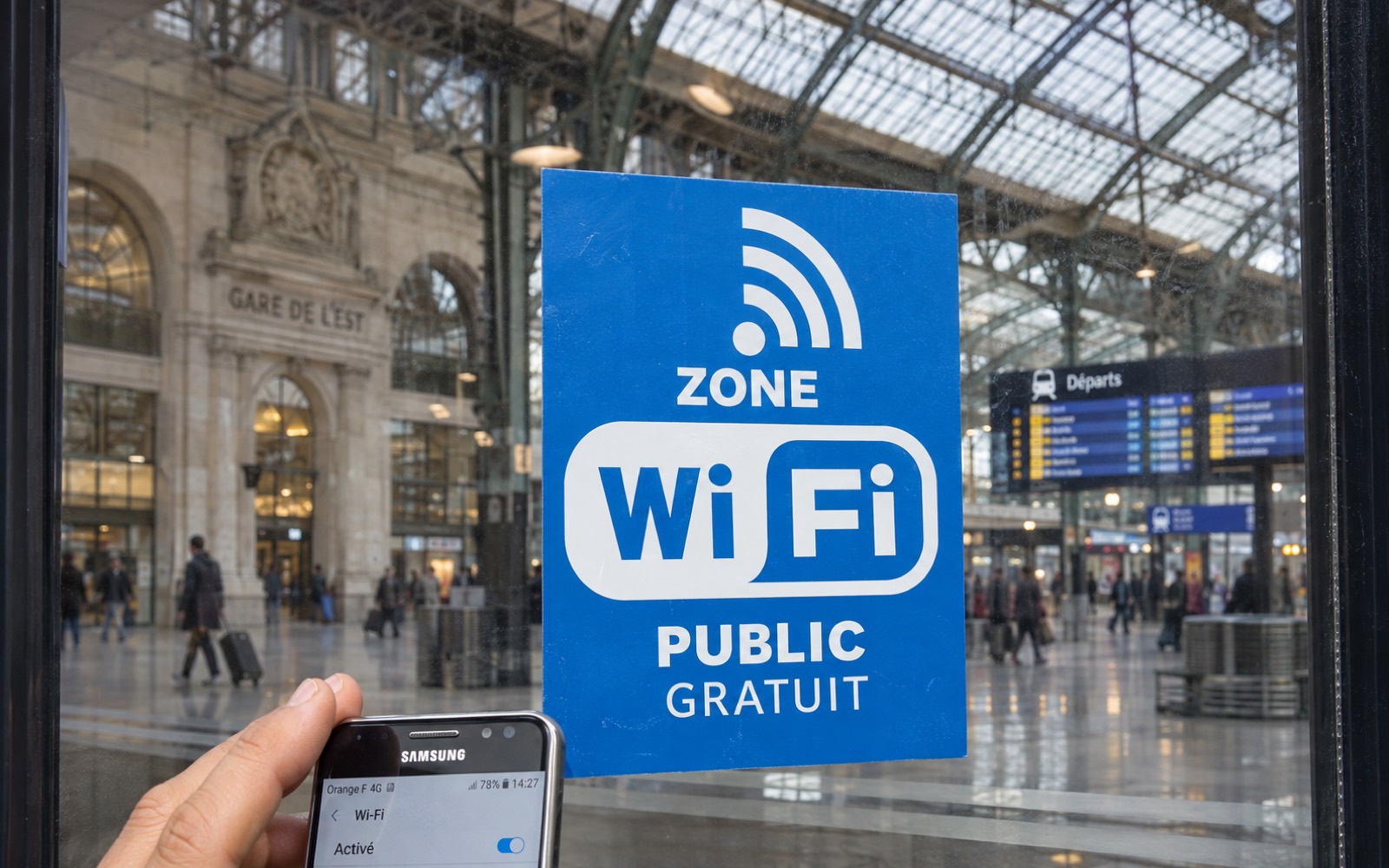
A fake hotspot can collect a password before the VPN connects
In the Australian case, a portable device copied the name of an access point travellers expected to find. The sign-in form captured the credentials they entered. The attacker never had to break their email service’s encryption. [1]
At a hotel or station, ask staff for the network name to avoid some mix-ups. A fake hotspot can still copy that name exactly.
If a portal asks for a password from another account, a sign-in code or the installation of a profile, certificate or software, leave the network. See also how a fake site can make a request look legitimate.
HTTPS protects content all the way to the site. A VPN encrypts traffic as far as its gateway.
On the real bank website, HTTPS encrypts the password in transit. On a copy of the site, the same encryption protects the password on its way to the scammer. [2]
The VPN encrypts traffic between your device and its gateway. The hotspot sees the connection to the gateway. It cannot see the final destinations of traffic sent through the tunnel. [3]
| Observer | What they can see | Limits of that visibility |
|---|---|---|
| Wi-Fi hotspot | The VPN gateway address, the volume of traffic and when it is sent. The hotspot can cut the connection. | It cannot see the content or DNS requests sent through the tunnel. A portal opened before the tunnel connects is separate. |
| VPN operator | Your connection address, the destination IP addresses after traffic leaves the tunnel and, if it supplies the resolver, the domain names requested through DNS. | Content sent to the site over HTTPS normally remains encrypted unless managed TLS inspection is in use. |
| Website you visit | The VPN exit IP address, the content sent to the site and the account used to sign in. | An open session or a cookie can identify you even if your IP address changes. |
VPN tunnel From the device to the gateway, through the hotspot. The hotspot sees the gateway and the volume of traffic.
HTTPS From the device to the site. The tunnel ends at the gateway, while HTTPS content stays encrypted all the way to the site.
On the move, work traffic must wait for the tunnel
A free hotspot can be set up with basic Wi-Fi equipment. Its operator can capture packets crossing the network and read unencrypted traffic. An employee may have opened no pages while email, DNS and synced folders have already started communicating.
On a managed company device, the profile enforces a full tunnel to an approved gateway. At startup and after an interruption, the firewall blocks direct connections from applications. It allows only the traffic needed to join the network and reach the gateway.
The employee cannot disable the rule. If the portal stops the device reaching the VPN, the team provides a mobile data fallback. The same security profile applies on that connection. [4]
Does an application need direct internet access? IT checks the business need and what data would bypass the tunnel before granting an exception. For systems administration, the isolated server access route keeps its own restrictions.
- Join the Wi-Fi. The computer joins the network. The firewall keeps work applications blocked.
- Captive portal: tunnel inactive. If the profile allows the portal to open, that exception remains limited. If it asks for an email password or an installation, leave the Wi-Fi.
- Tunnel connected. Applications and DNS go through the company gateway.
- Connection drops or the network changes. Applications are blocked again. They resume only once the tunnel reconnects.
Judge a VPN subscription by its operator’s policies and how the client behaves
I use a commercial VPN on public Wi-Fi. When I travel, I find the subscription worth paying for because I can choose who carries my traffic instead of relying on each hotspot I encounter.
Three questions are worth asking when comparing providers.
- Who runs the gateways? What logs do they keep, and for how long?
- Who audited the software, when, and which version did they audit?
- What happens to traffic when the device wakes up or the tunnel drops?
For business travel, the company chooses the gateway and sets access permissions.
At home, check what happens when the VPN disconnects
On your usual Wi-Fi, enable a permanent “block internet without VPN” mode if the client offers it. Connect the VPN, open a public page, then disconnect the tunnel while keeping Wi-Fi and blocking enabled.
Next, open a different page you have never visited. It should remain inaccessible until the VPN reconnects, then load normally. If it appears while the VPN is disconnected, check the exclusions and the mode you selected. Some clients only block unexpected interruptions and allow a manual disconnect. [5]
The “connected” icon does not prove that all traffic uses the tunnel
Two experiments show why a network test is necessary. In one, the hotspot advertised a different route. In the other, the phone kept connections open that predated the VPN.
This test checks the browser during a manual disconnect. It cannot rule out a DNS or IPv6 leak or tell you what happens when the device wakes. The pilot device tests below cover those cases.
For technical readers · TunnelVision and Android
In 2024, Leviathan Security showed that a hostile DHCP server could advertise more specific IPv4 routes through option 121. Packets could then bypass the tunnel even though the VPN reported that it was connected.
The researchers reproduced the attack (CVE-2024-3661) on Windows, Linux, iOS and macOS configurations. Android was unaffected by this specific technique because it did not apply option 121. HTTPS retains its own encryption even outside the tunnel. [6]
For technical readers · Test existing connections on iPhone
In 2020, Proton found that on iOS 13.3.1 and 13.4, some connections established before the VPN started continued outside the tunnel. In 2022, tests still found some Apple service DNS requests outside the tunnel despite the kill switch. These findings apply to the versions and clients tested. [7]
For supervised devices, Apple documents an Always On IKEv2 VPN configured through a management profile and active as soon as the interface establishes IP connectivity. IT should check the profile actually installed, any deployment exceptions and the behaviour of each OS version. [8]
Prepare the test. On a lab network, start a sync with dummy data. Generate DNS queries and IPv4 and IPv6 traffic to known destinations.
Watch the transitions. Monitor the device’s physical network interface and the VPN gateway. Check traffic at startup, on wake, when the tunnel drops and when switching from Wi-Fi to mobile data.
Decide whether to roll it out. Any traffic covered by the rule must reach the VPN gateway or stay blocked. If it leaves directly, fix the profile before deploying it.
CaptiveCrunch shows the limits of a VPN when a fake installer appears
Microsoft attributes CaptiveCrunch to Storm-2945, which it links to Midnight Blizzard. From May 2026, the attackers manipulated DNS and HTTP traffic on hotel networks to direct some travellers to pages that stole credentials or delivered malware.
The style and comments of the ChocoShell script found on Windows suggested AI assistance in writing the code. How the attackers gained access to the networks had yet to be established. [9]
What this means for defence. An active tunnel protects the DNS requests and application traffic it carries. The Wi-Fi portal can appear before the tunnel connects.
Malware installed on the device can read session cookies and use the VPN to send data. Two measures work together here: block unauthorised installations and give employees a known way to reach support.
After a fake sign-in, the response depends on what you provided
- A password. From a trusted device and network, change it wherever you reused it, revoke sessions and review recovery methods.
- An authorisation. Have the app’s consent revoked in the affected service.
- A profile or software. Disconnect the device, record the time and network, then alert the security team from another device.
Sources and references
- Australian Federal Police — statement of 28 November 2025 ↩
- FTC — encryption and fake websites ↩
- NCSC — the role of the VPN gateway ↩
- ANSSI — secure remote working, recommendations R19 to R23 ↩
- Proton — accidental disconnection versus permanent blocking ↩
- Leviathan Security — platforms tested and how TunnelVision works ↩
- Proton — iOS 13 tests and 2022 update ↩
- Apple — Always On VPN for supervised devices ↩
- Microsoft — CaptiveCrunch investigation and ChocoShell analysis ↩