Cybersecurity · Identity management
Accounts and permissions:
who can access what?
A shared account makes activity harder to trace. A forgotten account leaves a way in. Broad permissions give an attacker more room to act. To reduce these risks, know who owns each account, why it exists and what it can do.
Published 9 min readIn 30 seconds
- An individual account for each person. Software uses separate service accounts.
- Access that keeps pace with the organisation. A departure, role change or end of an assignment should trigger a review.
- Only the permissions the job requires. If someone steals an account, its permissions limit what they can reach.
- Safeguards that work together. Multifactor authentication and log analysis remain essential.
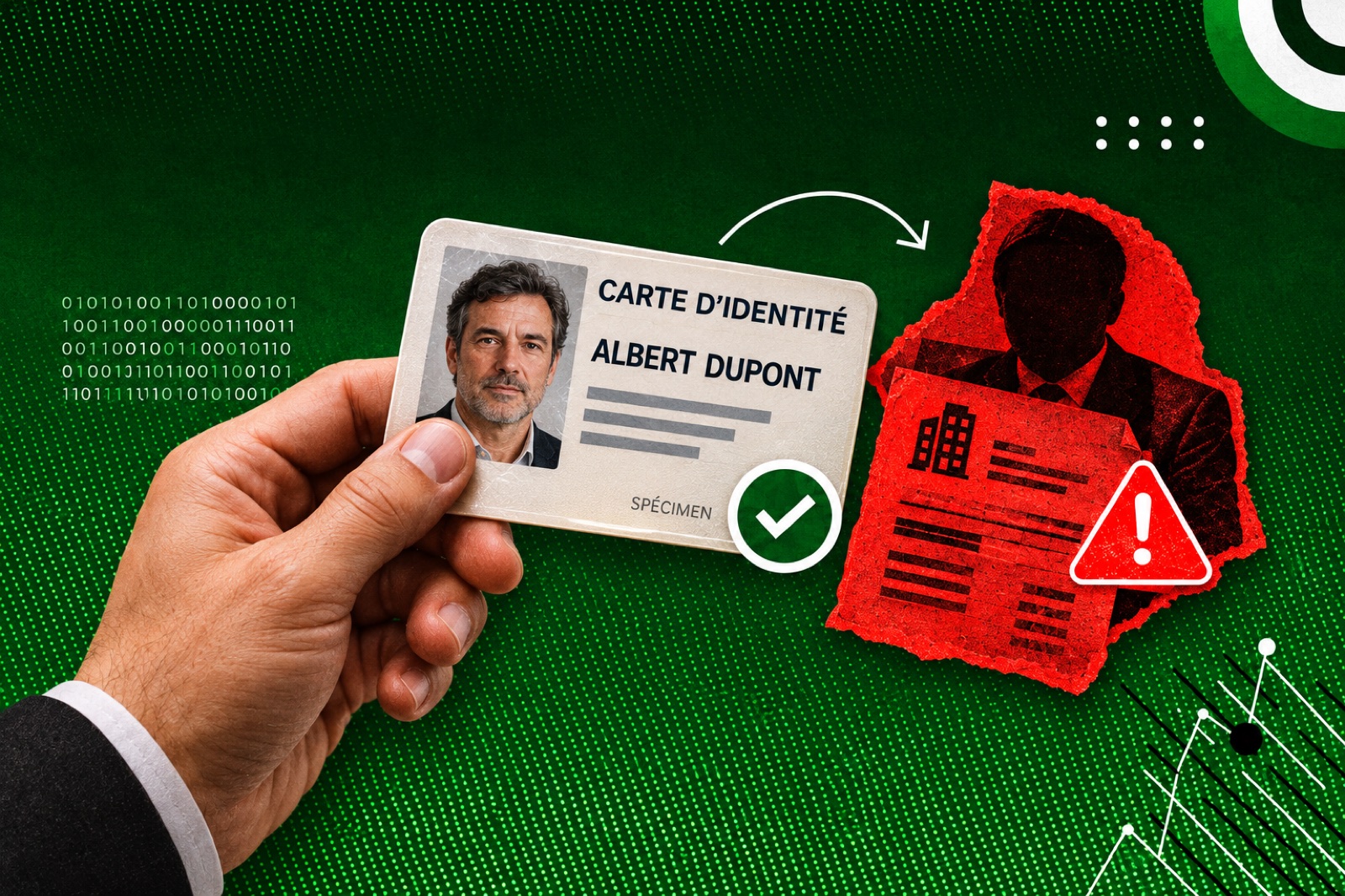
Three gaps and the risks they create
Access management can sound like administration. It determines what an attacker can do with a compromised account and what the company can learn afterwards.
Shared accounts among several security gaps
After medical data concerning nearly 500,000 peoplewas published, the CNIL fined Dedalus Biologie €1.5 million. Staff shared accounts on the private part of a server. The decision also identified problems with encryption, authentication and monitoring. The fine covered several failings, including shared accounts. [1]
What to remember: when several people use the same login, the account name cannot tell you who acted.
An old VPN account still worked
At a US congressional hearing, management described how attackers used an old VPN profile that was no longer meant to be used. It did not require a second authentication factor. The attack led to a precautionary pipeline shutdown. The company paid a ransom of $4.4 million. [2]
What to remember: an account you think is obsolete remains a way in until you verify it has been disabled.
Hijacked accounts with too much access
In 2024, attackers used social engineering to take over Cap emploi adviser accounts and extract data on more than 36.8 million people. Those accounts could search without geographic limits. The CNIL found that overly broad permissions may have widened the breach. The €5 million fine also covered authentication and log monitoring. [3]
The CNIL closed its compliance order in September 2026 after corrections, without collecting the specified periodic penalty. [4]
What to remember: protecting sign-in and limiting the data an account can reach are complementary measures.
Three rules for staying in control
1. Identify who owns each account or what it is for
An individual account belongs to one person. It should not be lent out, even for troubleshooting or temporary cover. A person may have several accounts, such as one for everyday work and a separate one for system administration.
The CNIL recommends a separate login for each user. If a shared account is unavoidable, approve the exception, make actions traceable and rotate the password when someone no longer needs access. [5]
An service account is used by a program, application or service. Keep it separate from accounts used by people, protect its secrets and assign an owner. ANSSI explicitly distinguishes the two uses. [6]
Understand the limit: a log can show which account was used without proving that its owner took the action. An attacker can use a stolen account.
2. Review access whenever someone’s situation changes
Thedirectory centralises identities, groups and some permissions. Many organisations use Active Directory for their networks and Microsoft Entra ID for Microsoft 365. A directory stays reliable only if real changes are reflected in it.
- When someone joins: assign an appropriate access profile approved by a manager.
- When someone changes roles: remove old permissions that are no longer needed before adding new ones.
- When temporary cover ends: expire the temporary permissions.
- When someone leaves: remove access on the scheduled date and verify that it worked.
The CNIL also recommends reviewing access permissions at least once a yearwith the relevant business teams. This supplements the reviews triggered by changes. [7]
ANSSI also calls for disabling accounts during extended absences. It often favours disabling over immediate deletion to preserve traceability, with limits on retention. [6]
Fictional example. A salesperson leaves a small business. Their Microsoft 365 account is disabled and their files are reassigned without sharing their password. Their account on a supplier’s extranet still works. Offboarding must also cover apps outside the directory and contractor access.
3. Grant the permissions needed for as long as they are needed
The principle of least privilege means granting only what the assignment requires. “It might come in handy one day” does not justify permanent access to every file.
Ask three questions before granting access: which actions, within what scope and for how long? Microsoft uses these same three dimensions for Entra administrator roles. [8]
The assignment does not require access to payslips or an administrator role.
France Travail’s case shows that scope can also depend on data categories and geographic areas. [3]
Implementation guidance for IT teams
Active Directory, Microsoft 365 and emergency accounts
Active Directory
Group users by role and grant permissions to groups. ANSSI cites the AGDLP method: accounts → global groups → domain local groups → permissions. Log sign-ins and changes to accounts or groups. Review inactive accounts and permissions that are no longer needed. [6]
Microsoft 365 / Entra ID
Microsoft recommends limiting the Global Administrator role to fewer than five people and privileged role assignments to fewer than ten. These are Entra ID guidelines, rather than targets or universal standards.
Prefer cloud-native admin accounts protected by MFA, temporary activation through PIM and role reviews. Available features depend on licences. Review permissions on files, sites and business applications separately. [8]
Emergency accounts
Microsoft recommends two cloud-native emergency accounts with the Global Administrator role for situations in which normal access fails. Use them only in exceptional circumstances under defined procedures. People still need their own everyday accounts. [8]
Limited permissions and account protection work together
These measures answer different questions:
- Individual account: which identity is associated with the action?
- MFA: how can we make a stolen password harder to use?
- Limited permissions: what can the account reach?
- Logs and alerts: how do we spot unusual activity and investigate?
In the France Travail case, the CNIL identified both missing MFA and inadequate monitoring of data extraction. Collecting logs without analysing them does not detect an incident. [3]
Read more: FIDO2 security keys, social engineering and separating administrative access.
Is a DLP product worth paying for?
Limiting permissions reduces what an account can access. Another question remains: what happens if someone with permission tries to send that data outside the company? DLP stands for Data Loss Prevention. It helps detect and prevent accidental or deliberate leaks. Depending on the rules and channels covered, it can warn a user, raise an alert or block a transfer. It does more than monitor data leaving the organisation. [9]
Fictional example. Albert can view the customer file for work. He tries to send it to his personal email. A DLP rule can recognise the sensitive data and block the send if it identifies the data and covers that channel. Permission to view the file does not authorise sharing it.
The licence is only part of the cost
Before buying, identify the data that matters most, how it is used and who will respond to incidents. Preparation also includes classification, rollout, training and rule tuning. Microsoft’s documentation describes these steps. Budget for the time and skills they require. [10]
I would ask four questions to assess the investment:
- Which data should we protect first? Customer records, payroll, health records or know-how. Start with specific cases.
- How could it leave? Email, cloud storage, browser or USB drive. Check actual coverage on the systems and apps you use.
- What are we already paying for? Review features available under existing contracts before adding a product. Microsoft Purview entitlements depend in part on the licences and features selected. [9]
- Who will operate it? Assign an owner, budget time to analyse alerts and set a process for legitimate exceptions.
A pilot lets you measure useful alerts and false positives before rolling out blocking. Microsoft recommends testing rules in simulation mode without enforcing them, then reviewing the results. [11]
Three options from recognised vendors
Here are three vendors to assess, with their stated coverage and analyst recognition from 2025 as reported by the vendors. This is neither a market-share ranking nor a promise that a product suits every organisation.
| Product | Stated coverage | Published recognition |
|---|---|---|
| Symantec DLP Broadcom | Sensitive data discovery and controls on endpoints, networks and stored data, with extensions to cloud services. | Broadcom reports “Leader” in the 2025 IDC MarketScape for DLP and “Top Player” in Radicati’s 2025 report. [12] |
| Forcepoint DLP | Centralised policies for endpoints, web, email and cloud apps, with controls that can account for user risk. | Forcepoint’s announcement reports “Leader” in the 2025 IDC MarketScape for DLP. [13] |
| Proofpoint Enterprise DLP | Email, cloud and endpoint protection, with content and user behaviour analysis for investigating incidents. | Proofpoint reports “Top Player” in Radicati’s 2025 DLP Market Quadrant. [14] |
When comparing quotes, ask which modules, channels and systems are covered and what help and support are included. My view: DLP can be worth paying for when the risk of a leak is identified and a team can operate the protection. A tool whose alerts go unanswered adds little control. DLP complements individual accounts, least privilege and MFA. Leaks remain possible.
Sources and dates
Primary sources checked on 8 November 2026. The real cases are identified separately from fictional examples, which describe no customer. Product coverage comes from the vendors and should be verified for the licences and deployments under consideration.
- CNIL — Decision SAN-2022-009 of 15 April 2022Security failings, including shared accounts. The decision is now anonymised. The official letter of April 2022 identifies Dedalus Biologie and the amount of the penalty.↩ Back to the article
- US Congress — Colonial Pipeline attack hearing9 June 2021. Testimony on the old VPN profile, lack of MFA, precautionary shutdown and $4.4 million ransom.↩ Back to the article
- CNIL — Decision SAN-2026-003 concerning France Travail22 January 2026. Paragraphs 9, 12–14, 72–86 and 94–98 cover the intrusion, 36.8 million people, scope of permissions and monitoring.↩ Back to the article
- CNIL — Closure of the France Travail compliance order8 October 2026, decision of 23 September. Compliance achieved and periodic penalty not collected.↩ Back to the article
- CNIL — Authenticate users14 March 2024. Individual logins and controls for shared accounts.↩ Back to the article
- ANSSI — ReCyF in practice: identity managementIndividual and service accounts, disabling accounts, traceability and Active Directory guidance. Non-prescriptive practical guidance.↩ Back to the article
- CNIL — Manage access permissions13 March 2024. Access approval, temporary permissions, departures and review at least annually.↩ Back to the article
- Microsoft — Best practices for Microsoft Entra rolesLeast privilege, administration, PIM, reviews and emergency accounts. Check features and licences for the environment involved.↩ Back to the article
- Microsoft — Learn about data loss preventionSensitive data identification, covered locations, warnings, blocking and licence conditions.↩ Back to the article
- Microsoft — Plan for data loss preventionStakeholders, priority data, rollout, training and rule maintenance.↩ Back to the article
- Microsoft — Test your DLP policiesSimulation mode and review of alert accuracy before enforcement.↩ Back to the article
- Broadcom — Symantec Data Loss Prevention product pageFunctional coverage. The Broadcom post of 9 February 2026 reports 2025 IDC and Radicati recognition. The full 2025 reports were not reviewed for this article.↩ Back to the article
- Forcepoint — Data Loss PreventionThe vendor’s feature overview. Its announcement of 24 March 2025 reports IDC Leader status. The full report was not reviewed for this article.↩ Back to the article
- Proofpoint — Enterprise Data Loss PreventionThe vendor’s feature overview. Its Why Proofpoint page reports 2025 Radicati DLP Top Player status. The full report was not reviewed for this article.↩ Back to the article
Questions to ask your team
These checkboxes are a guide. This page does not send your answers. Checking the boxes does not constitute an audit.