Cybersecurity · Business continuity
Immutable backups:
preparing to recover from ransomware
An immutable backup helps protect a copy from deletion or modification for a set time. Recovering after an attack also requires protected access, a usable history and restore testing.
Published 9 min readManagers and IT teams · About 9 min read
In 30 seconds
- Locking a copy reduces the chance that an attacker can delete it before encrypting production.
- Isolating access and keeping an offline copy limit the paths to your backups.
- Testing a restore checks the data, keys and recovery time. An intact copy alone does not prove a service will restart.
- Address data theft as well: restoring files does not take back information the attacker already stole.
Backups are also a target
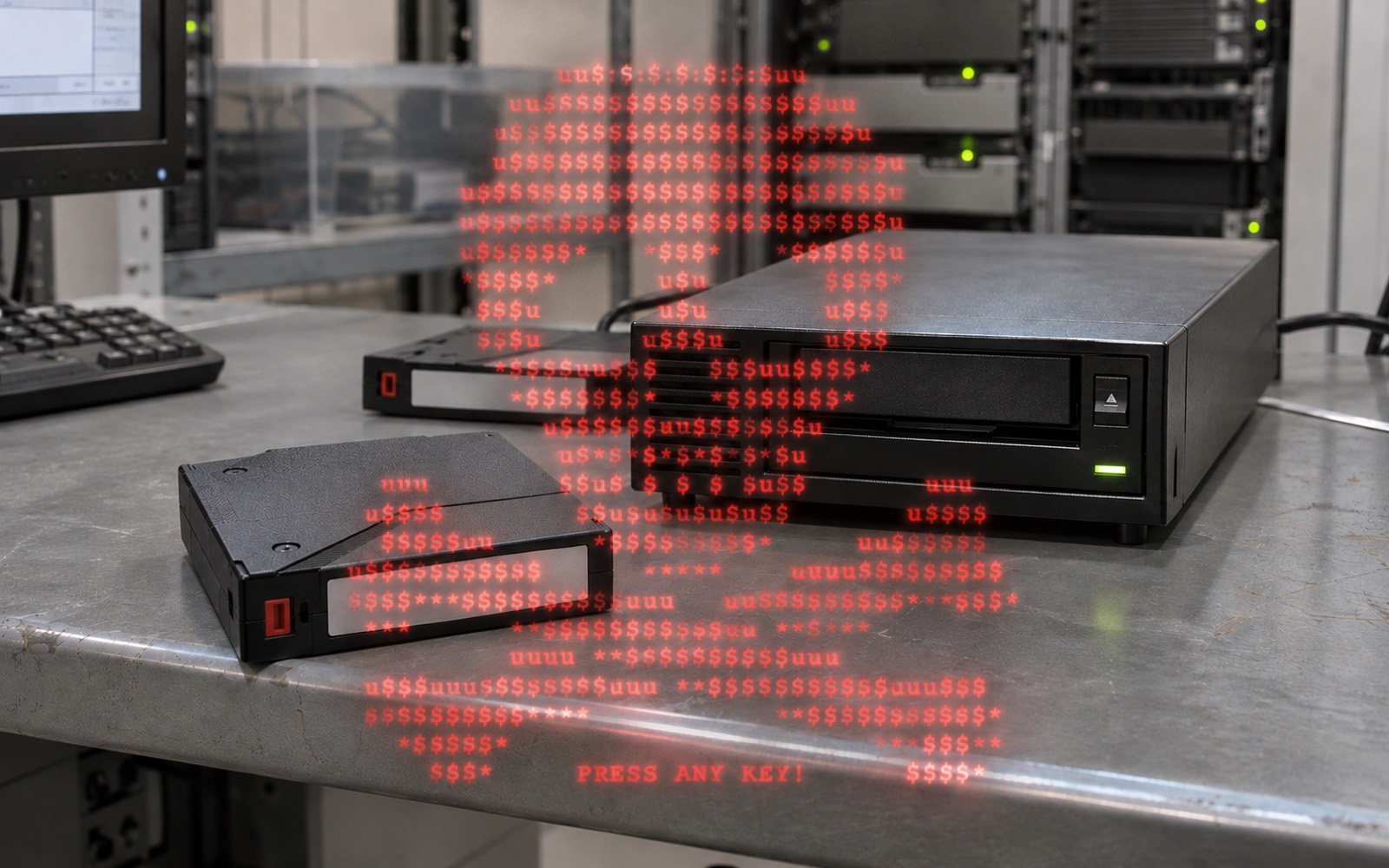
Ransomware is malware that makes data inaccessible, usually by encrypting it, and demands payment. Attackers may also delete recovery options or steal information before encrypting it.
Backups erased at two sites
CISA, the FBI and their partners describe a case in which Gunra actors erased backups and archives in the primary data centre and at the recovery site, preventing restoration. The advisory does not give the precise date of that incident. [1]
Backup equipment is targeted
The joint advisory reports at least 600 organisations across several critical infrastructure sectors affected since August 2024, on several continents. Operators can delete shadow copies and reset NAS devices containing backups. The total therefore covers more than 2026. [2]
The risk goes beyond encryption
In 2025, 128 ransomware compromises were reported to ANSSI. The agency was also notified of 196 data exfiltration incidents, with or without ransomware, compared with 130 such incidents handled in 2024. These figures reflect what ANSSI observed rather than all attacks in France. [3]
What this means in practice: restoring files does not erase copies already stolen. Work on recovery and the data breach in parallel.
Understand what each mechanism protects
WORM means write once, read many. It lets you lock a backup version. During retention, the mechanism blocks changes and deletion covered by the lock. The scope of the lock depends on the product, mode and permissions. [4]
| Protection | What it does | Where it stops |
|---|---|---|
| Immutability | Blocks changes and deletion covered by retention. | Cannot guarantee clean data or available keys. |
| Encryption | Keeps copies confidential. | An encrypted file can still be deleted if nothing locks it. |
| Offline storage | Removes the media from connected systems. | Handling, storage and reconnection still need controls. |
| Logical isolation | Separates networks, accounts and authentication. | Incomplete configuration or compromised access can weaken it. |
| Snapshot | Preserves a point-in-time state to make recovery easier. | If it depends on compromised storage or accounts, it can be lost with them. |
Snapshots can form part of a backup. Windows VSS is one example. The name alone does not prove independence from the original storage. Check how it is implemented. [5]
For technical readers · Can an administrator bypass the lock?
On S3, Governance mode can be bypassed by an account allowed to override retention. With the s3:BypassGovernanceRetention permission and the bypass header, it can delete a version or shorten its retention. The console adds that header by default, but the permission is still required. A separate legal holdstill applies if present, although an account authorised to manage it can remove it. [4] [6]
In Compliancemode, no user, including root, can delete a locked version or shorten its retention. AWS lists account deletion as an exception. The lock protects a version. New versions can still be created, and an ordinary deletion can hide older ones behind a delete marker. Know how to find the protected version. [4]
Delete markers are not WORM-protected. Once Object Lock is enabled on a bucket, it cannot be turned off. This is a technical example. Other services are shown below in the service examples. [6]
A lock cannot protect encryption keys. AWS notes that an object retained by Object Lock may become unreadable if its KMS encryption key is deleted. [6]
Build a strategy you can verify
1. Start with the service you need to recover
Set a recovery point objective (RPO) for the maximum acceptable data loss and a recovery time objective (RTO) for the longest acceptable outage. Use these targets to guide backups and exercises. ANSSI recommends three separate copies: production data and two backups on different media, one offline. [7]
For outsourced backups, ANSSI considers offline storage more robust than online WORM. It allows a compromise of regular WORM copies and less frequent offline copies. [7]
2. Separate permissions and access paths
ANSSI calls for authentication independent of production and dedicated individual administration accounts. [7] Restrict management interfaces to a controlled network, limit privileges, protect sensitive operations with MFA and keep components up to date. The NCSC also suggests physically disconnected media stored securely. [8]
A second location is insufficient if the same compromised account can destroy both copies. A NAS, cloud space or snapshot is not automatically a protected backup. Examine actual permissions and retention controls.
Immutability and offline storage address different risks. Combine them to suit the system.
3. Keep copies accessible and monitor changes
Prepare emergency access that works if the usual directory is down. Protect keys and their recovery mechanisms. Alert on stopped backups, deletion requests, retention changes and modifications to privileged accounts. Alerts must arrive over a channel that still works in a crisis. [9]
During an incident, ANSSI recommends isolating the backup infrastructure from the rest of the system as a priority. Prepare that emergency mechanism in advance. [7]
There is no universal retention period
Keep enough history to restore a point before the corruption you detected. The NCSC recommends time-based retention rather than a fixed number of copies that an attacker could rotate through quickly. Match duration, capacity and controls to business needs and risk. With a strict lock, verify the setting before activation. You may be unable to shorten it later. [9] [4]
4. Restore a business operation
Test restoring applications and dependencies, including procedures, catalogues, configurations and keys. Backups may contain malicious implants. Check what you restore and rebuild with trusted components. [7]
Fictional example: a billing application starts, but its directory remains unavailable. The files are present and staff still cannot work. The test must reach an actual business operation, using test data and a measured recovery time.
Examples of services offering immutability
These examples help identify categories of solutions. They are neither a ranking nor a recommendation, and the author is unaffiliated with the providers. Features change, so check their documentation before choosing.
| Category | Examples | What the documentation describes | What to check |
|---|---|---|---|
| Cloud storage with a lock (S3-compatible) | OVHcloud Object Storage, Scaleway Object Storage, Backblaze B2, Amazon S3 | In Compliance mode, even administrators cannot delete or modify a locked version during retention. [10] [11] [12] [4] | Once enabled, the lock cannot be disabled. OVHcloud requires activation when the storage space is created. [10] |
| Microsoft cloud storage | Azure Blob Storage, immutable storage | Once the policy is locked, even account administrators cannot modify or delete the data. [13] | An unlocked policy is for testing only. Microsoft recommends locking it promptly. [13] |
| Backup software | Veeam Backup & Replication | It makes backups temporarily immutable on object storage for 1 to 999 days [14] or on a hardened Linux server. [15] | The software manages backups and storage enforces the lock. Protect the software console as well. |
| NAS | Synology with immutable snapshots (WriteOnce) | Snapshots are protected against deletion or modification for up to 30 days. [16] | Protection stays on the same device. A secure erase removes it, and Hyper Backup does not include these snapshots. Use it alongside an independent copy. [16] |
Fictional example: how the pieces fit together
A small business backs up its servers every night. Here is what the setup looks like:
- Locked storage. It creates dedicated storage with a cloud provider, enables the lock at creation and sets retention based on the history it needs.
- Access reserved for the backup software. It creates a backup-only account. The account can write and read copies but cannot remove the lock. Its credentials are stored separately from production credentials.
- Connect the destination. The software uses that storage as its destination, with the same immutability period. Nightly copies are sent automatically.
- Verify recovery. The team tries to delete a test copy and sees the request denied. It then restores a complete application and measures recovery time.
- Add an offline copy. Once a month, a copy goes to disconnected media. Alerts report stopped backups or retention changes.
An attacker who takes over the servers cannot delete the locked copies. Check them before restoring, since they may contain components that were already compromised.
Reduce opportunities for intrusion as well
Backups limit the consequences of an attack. They do not stop it getting in. The SafePay advisory stresses prompt patching of exploited VPN, firewall and other exposed vulnerabilities, identity controls, MFA and restricted administration tools. The Gunra advisory also recommends network segmentation. [2] [1]
For more on access, see the article on FIDO2 security keys and separating administrative access.
Sources and dates
Sources 1–9 were checked on 6 November 2026, and sources 10–16 on 7 November 2026. Dated facts and recommendations are identified separately. The illustrative examples do not describe any customer.
- CISA and partners — Gunra advisory10 August 2026. Destruction at two sites, double extortion and priority measures.↩ Back to the article
- CISA, FBI and partners — SafePay advisory20 October 2026. At least 600 organisations since August 2024, backup sabotage and prevention.↩ Back to the article
- ANSSI — 2025 cyber threat overview, pages 11 and 13Report published 11 March 2026, covering 2025 events. Official notice and date.↩ Back to the article
- AWS — how S3 Object Lock worksDocumentation checked 6 November 2026. WORM, protected versions, Governance and Compliance. Technical example rather than a vendor recommendation.↩ Back to the article
- Microsoft — Volume Shadow Copy Service (VSS)Documentation checked 6 November 2026. Snapshots, copying methods and backup integration.↩ Back to the article
- AWS — Object Lock considerations“Using Object Lock with encryption” section: losing access to or deleting keys.↩ Back to the article
- ANSSI — information system backup fundamentalsVersion 1.1, 27 November 2025. Business objectives, R11–R12 and R22–R27, offline copies and recovery preparation.↩ Back to the article
- NCSC — ransomware-resistant on-site backups22 November 2024. Isolation, separate accounts, least privilege, updates and retention.↩ Back to the article
- NCSC — ransomware-resistant cloud backups22 November 2024. Emergency access, history, keys and alerts.↩ Back to the article
- OVHcloud — Object Lock (WORM)Page updated 5 November 2026. Governance and Compliance, activation at creation and irreversibility.↩ Back to the article
- Scaleway — Object LockDocumentation checked 7 November 2026. Compliance and Governance, with versioning required.↩ Back to the article
- Backblaze — B2 Object Lock featuresPage updated 11 December 2025. Compliance mode, including for the root account.↩ Back to the article
- Microsoft — Azure Blob immutable storagePage updated 25 August 2026. Locked or test policies, and legal holds.↩ Back to the article
- Veeam — object storage immutabilityVeeam Backup & Replication 13, checked 7 November 2026. Retention from 1 to 999 days.↩ Back to the article
- Veeam — Hardened RepositoryVeeam Backup & Replication 13, checked 7 November 2026. Linux server with files that cannot be modified during the defined period.↩ Back to the article
- Synology — WriteOnce (WORM), DSM 7.2 white paperChecked 7 November 2026. Immutable snapshots for up to 30 days, with protection limited to the same system.↩ Back to the article
Questions to ask your team
Use these boxes as a guide. This page does not send your answers. Checking them does not constitute an audit.